
⭐ Try it in your browser first — download only if you love it.
✅ Kid-safe • ✅ No ads • ✅ Free forever
Clip It
Finished 7/4/2025
Released 7/6/2025
Platforms: Windows, macOS, Linux, Android
Screenshots
Clip It is a cozy tap-and-reveal puzzle game where you uncover adorable hidden characters by following dotted clues. Solve 40+ unique character puzzles across creative “workstation” themed levels, each filled with cute surprises and satisfying reveals. Designed for quick, relaxing play on PC, Mac, Android, and browser.
⭐ Safe & Family-Friendly Download
- ✅ 100% Free Game
- ✅ Direct download — no extra software required
- ✅ Safe, cute, and family-friendly
- ✅ Made by Kitty Kitty Studios

Download for macOS ClipIt_1.1_macOS.zip ✅ Developer-provided download
Download for Linux ClipIt_1.1_Linux.zip ✅ Developer-provided download
📱 This game is installed outside the Google Play Store, so your device may show a brief system message during installation. You can continue normally if you choose to install 💙
Download for Android ClipIt_1.1_Android.apk ✅ Developer-provided download
🍎 macOS users: Click here if you have trouble opening the game
This game was built on Windows and has not been signed or notarized by Apple, so you may see a standard security warning on first launch. If you downloaded the game from kittykittystudios.net, this is expected.
Can't open the app?
- "Cannot verify developer"
- On macOS 13 Ventura and earlier: Right- or control-click the
.app > Open > Open anyway. - On macOS 14 Sonoma and later: Open System Settings >
Privacy & Security and click Open Anyway.
- On macOS 13 Ventura and earlier: Right- or control-click the
- If the game won't launch:
- Open Terminal and enter chmod +x ,
then drag the game
.app into the Terminal window, add "/Contents/MacOS/
Clip\ It", then press return.
- Open Terminal and enter chmod +x ,
then drag the game
- If macOS says the app is damaged:
- Open Terminal and enter xattr -dr
com.apple.quarantine ,
then drag the game .app into the Terminal window, then press return.
- Open Terminal and enter xattr -dr
com.apple.quarantine ,
One download works with both Intel and Apple Silicon Mac's.
Important Note (Android)
Our games are independent apps not distributed through the Google Play Store, so Android may show a standard security warning during installation.
This does not automatically mean the app is unsafe — it simply means Android has not seen this app in the Play Store system.
View on itch.io:
About Cloudy and Chippy

Snippity snip! My name is Cloudy, the adorable cloud you reveal in Clip It. I jump out like a champ when all the dots are tapped, watch me when you tap the dots! You'll memorize me when you play again!
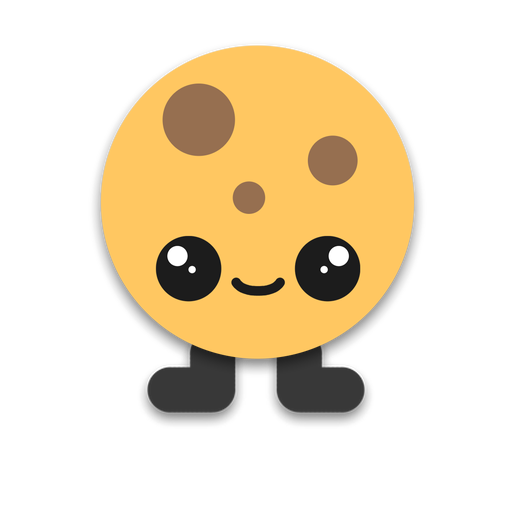
Clip! My name is Chippy, because I have chocolate chips on me. I'm tasty, and is revealed just like my friend Cloudy is! We're best friends, by the way.
Cozy Art
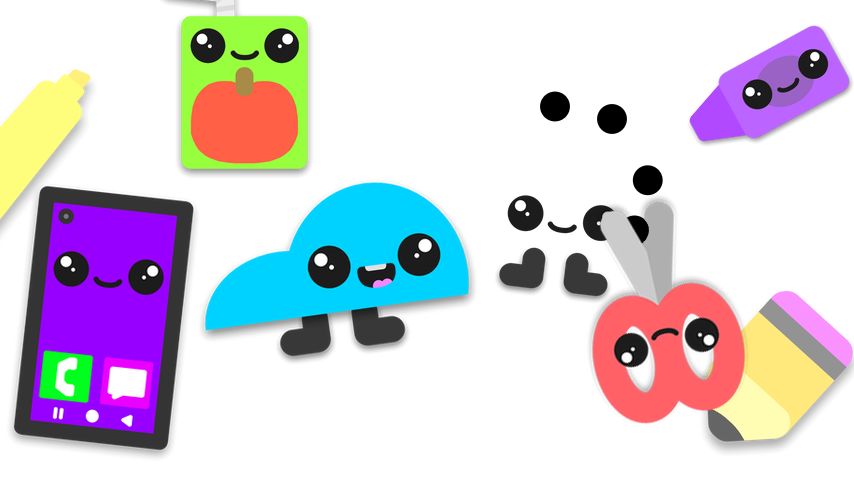
A cozy paper workstation with Cloudy happy and Chippy in the process of being snipped
System Requirements
Windows:
OS: Windows 10 or later
Disk Space: 128MB Minimum
RAM: 4GB; 8GB recommended
DirectX: 11
GPU: Integrated graphics minimum
CPU: Intel Pentium minimum
Android:
OS: Android 5.1 or later*
Phone: LG G4 or newer
Disk Space: 128MB Minimum
Linux:
Debian: 8 or later
Distro: Ubuntu 16.04 or later
Disk Space: 128MB Minimum
RAM: 4GB; 8GB recommended
GPU: Any OpenGL 3.2+ capable GPU
CPU: Intel Pentium minimum
macOS:
OS: macOS 10.13 High Sierra or later
Disk Space: 150MB Minimum
RAM: 4GB; 8GB recommended
GPU: Metal-capable GPU
CPU: Intel Core i-series / any Apple Silicon minimum
* Starting likely early 2027, we might be moving our Android games to the Play Store, raising the requirement to Android 7.1
Game Tags
Paper, Cartoon, Cute, Crafty
How to Install
Windows:
1. Click "Download now!"
2. When the download has finished, open it and open README.txt
3. Follow the README's instructions carefully.
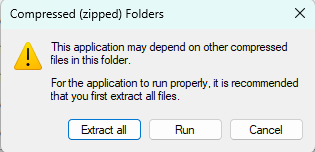
What happens if I double click the game exe when still compressed?
macOS:
1. Click "Download for macOS"
2. When the download has finished, double click it to extract it
3. Double click the .app, then let's play!
For easy access, you can drag the .app to your Applications folder so it shows up in your Launchpad!
Linux:
1. Click "Download for Linux"
2. When the download has finished, open the tarball in Archive Manager or similar
3. Extract the tarball
4. Open the extracted folder and double click GiftyDetective.x86_64
Create a link to the x86_64 file on your desktop for easy access. If the game does not launch, open the terminal at the game's location and type chmod +x GameName.x86_64Android:
Tiny heads up: Devices running Android 7.0 Nougat or later and are Google-certified will block the install because it is from a small, niche indie studio. This is a brand new feature called "Advanced Flow". Before attempting to install this game, read about it here. Devices running Android 5.1 Lollipop up to 6.0 Marshmallow will install properly.
1. Tap "Download for Android"
2. When the download finishes, open the file to install it
3. If your device shows a message from Google Play Protect, this is normal for apps downloaded outside the Play Store
You can continue by tapping “Install anyway” or “Scan” if prompted
Read this topic for more information
4. Wait for installation to finish, then open the game from your app list 🎮
Changelog
Version 1.1 (Release)
Some cute and quirky characters have entered the Clippiverse! Plus, we have fixed a bug in this release.
Features
- New friends: Cloudy's miserable friend (raincloud) + snowflake, enter sign + exit sign, and mirror
Bugs fixed
- No lip syncing on KKS Play and itch.io browser versions of the game: caused by WebGL sound behaviors
Important notice for macOS, Android, and Linux players
Version 1.1 will be the LAST version of Clip It to support macOS 10.13 (High Sierra) to 11 (Big Sur), Ubuntu 16.04 to 20.04, and Android 5.1 (Lollipop) to 7.1 (Nougat)! The next version of the game will require macOS 12 (Monterey) or later, Ubuntu 22.04 or later, and Android 8.0 (Oreo) or later.
Version 1.0 (Major Release)
Chippy and Cloudy are in the rocket. Chippy disappears into dots and that is how we rock off version 1.0 release!
This is a huge update a whole bunch of cute!
Features
- 40 characters to snip!
- Adorable beginning cutscene!
- Improved main menu!
Changes
- Added support for Linux and macOS!
Happy snipping!
We are excited to release this update!
Version 0.5 (Beta / QOL Update)
As Clip It approaches 1.0 release very very soon, we decided to give you 1.0 milestone 2, which is a quality of life update, fixing bugs common with version 0.3 and 0.4!
Changes
- Twin level characters shrinked to be playable on screens with 4:3 aspect ratio
- Added fullscreen width/height inputboxes
Bugs fixed
- After tutorial, skips to the next level in the regular game (found in 0.3 beta)
- Window resizes when main menu opens (found in 0.4 beta)
This should be the very last beta version of Clip It, unless something unusual sneaks in. We can't wait till we give you a very adorable snippy 1.0 release later this 2026!
What's coming to 1.0 release
- Cute main menu animation
- Beginning cutscene with interactive tutorial
- 50 levels
Controller support
Version 0.4 (Beta)
Clip It is now in the 1.0 milestones, starting with 0.4 beta. This milestone introduces twin levels!
Features
- New levels to play
- Twin levels: levels that require you to snip two characters
- Options menu with music, sound, and fullscreen (Windows) options
Behind The Scenes Changes
- Changed how levels are loaded
Version 0.3.2 (Beta)
A teeny tiny update renaming Professor Cappy to Professor Snipkins, and fixing a layering bug with the dialogue in the tutorial showing on top of the transition.
Version 0.3 (Beta)
Welcome to the Clippiverse! This update brings some extra kawaii goodies into Clip It, including a brand-new tutorial — aww~!
Features
● New characters!
● New music to bounce to!
● Characters must be clipped in the correct
dot order — or they’ll be mis-snipped!
● New tutorial featuring Professor Cappy!
● Game progress now saves!
● Screen transitions!
● Pause menu!
Version 0.2 (Beta)
0.2 beta releases, with new characters and new music/sfx.
Features
Bugs fixed
Platform announcement
Clip It will be ported to Android on September 28, 2025.
Version 0.1 (Beta)
First-ever version of the game.
Game News
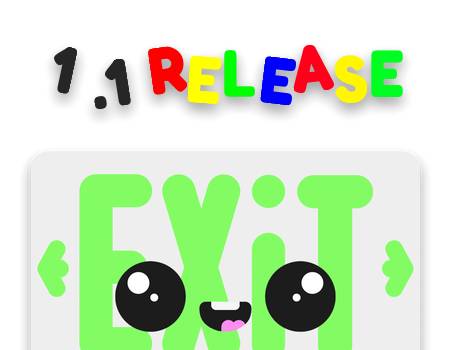
1.1 Release with new characters!
October 29, 2026: Brand new friends!
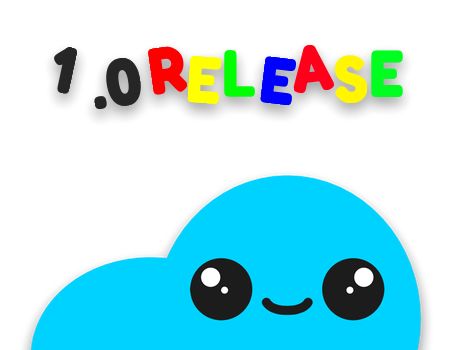
1.0 Release!
July 17, 2026: Adorable new features, along with more ways to play!
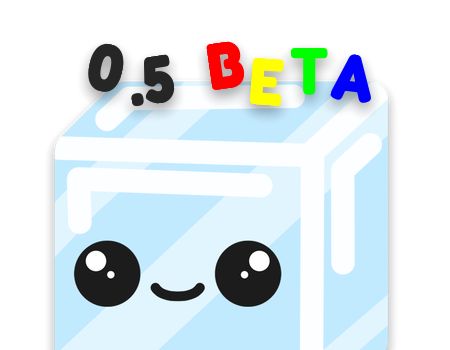
0.5 Beta (1.0 Milestone 2)
July 9, 2026: Improvements + bug fixes!
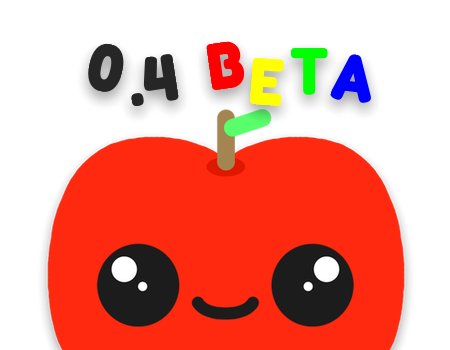
0.4 Beta (1.0 Milestone 1)
June 9, 2026: New characters!
Version 0.3 Beta releases!
February 13, 2026: Everybody of all ages and all favorite games-welcome to the Clippiverse!
Android port!
September 28, 2025: Clip It is now on Android, with an exclusive surprise!

Security Patch
Please uninstall your current installation of this game and redownload the installer or archive for this game, due to Unity's security vulnerabilities in older versions.

Version 0.2 Beta releases!
September 26, 2025: We have added two new characters, taco and onigiri. Listen to the new bouncy music and sfx!
Version 0.1 Beta releases!
Start clipping 'cuz Clip It is now available!