
Topic: Editing Rabbit Village Photos
Published 11/27/2025
Tags: Guide
We all know you want your photos from Rabbit Village to pop. There is currently no built-in method to edit photos yet, but until then, this guide will help you edit your photos using external tools.
Step 1: Look for Photos Folder
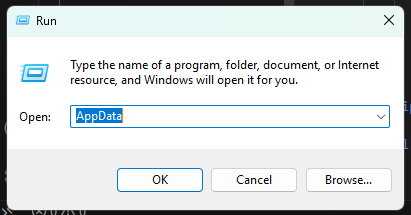
Press Win+R and type AppData into the field.
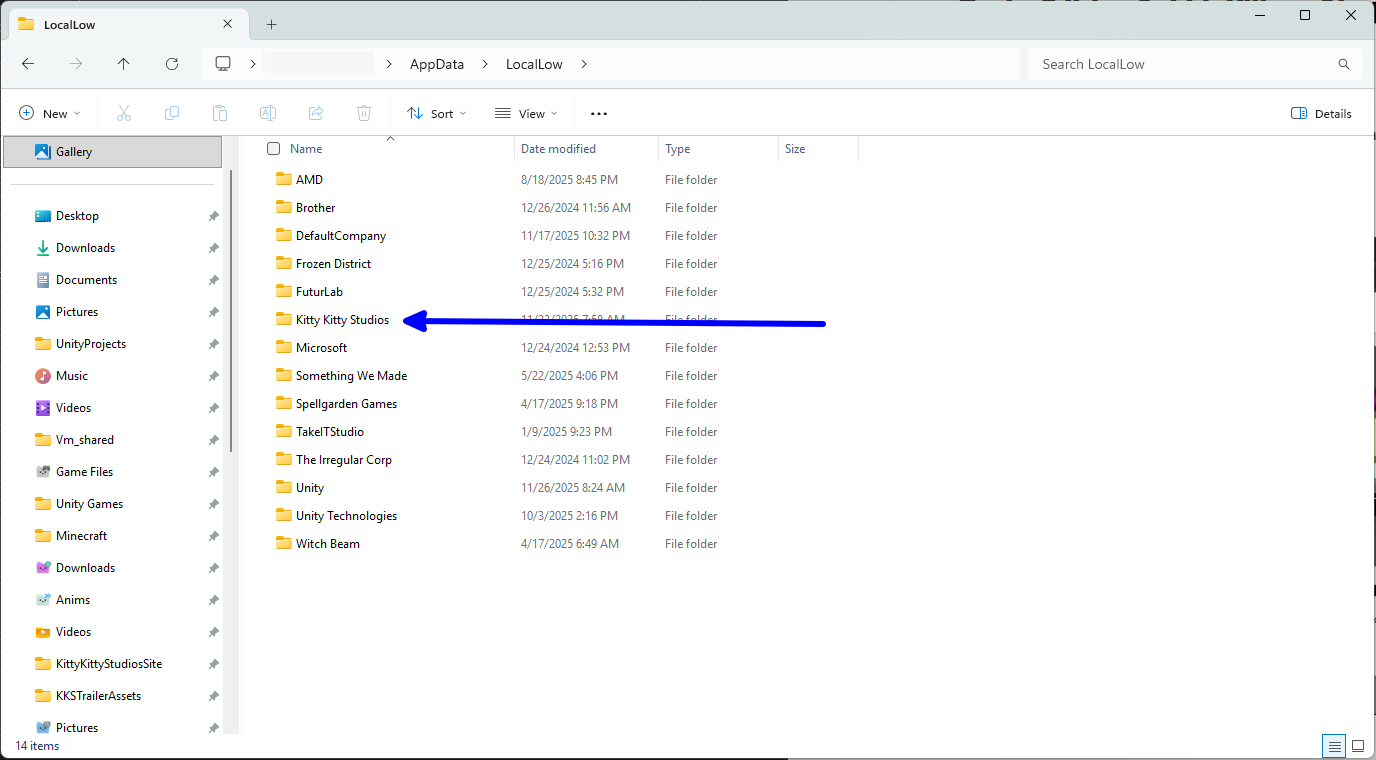
In the AppData folder, double click LocalLow. You will see Kitty Kitty Studios. Double click that, then Rabbit Village, then Photos.
Step 2: Open a photo to edit
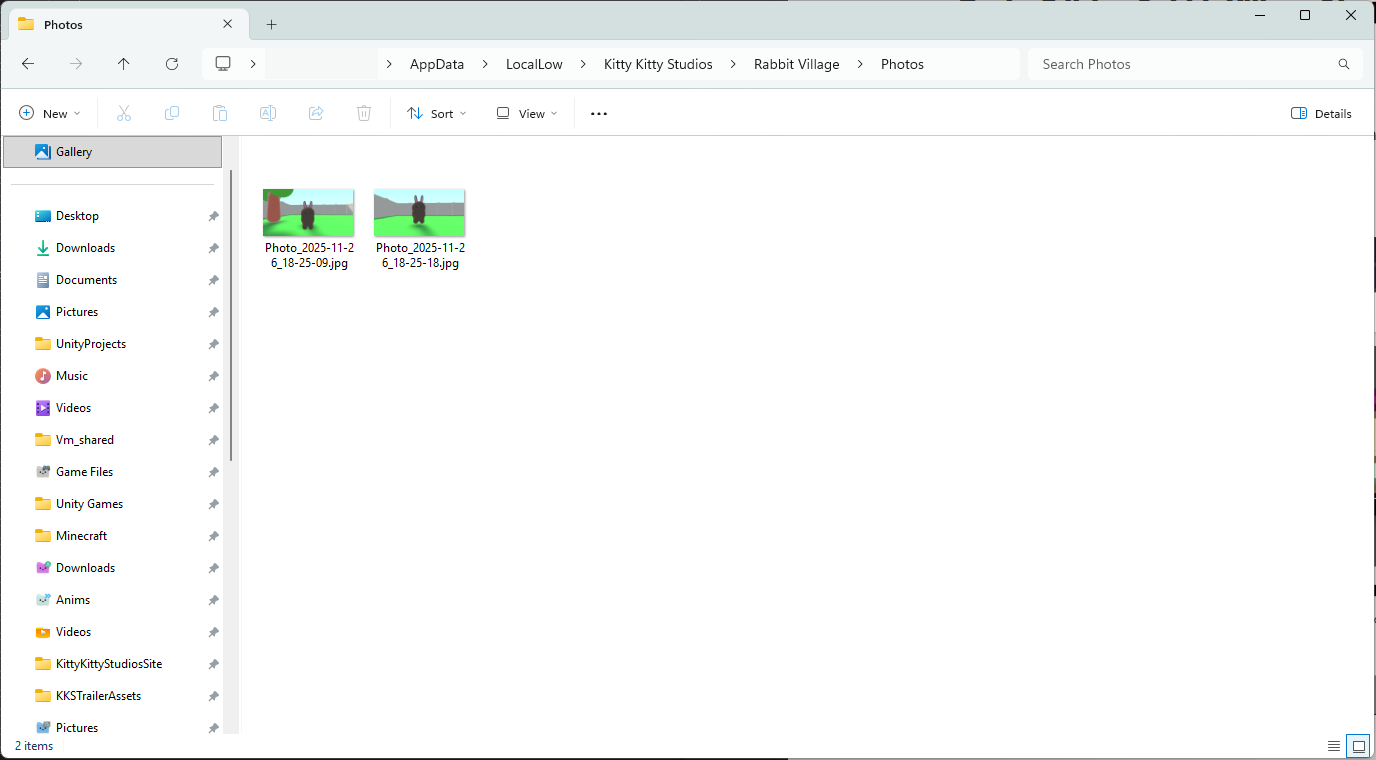
Now, right click a photo, then Open with > any of the applications that are not web browsers.

For example, let's click Paint.
Step 3: Edit the photo
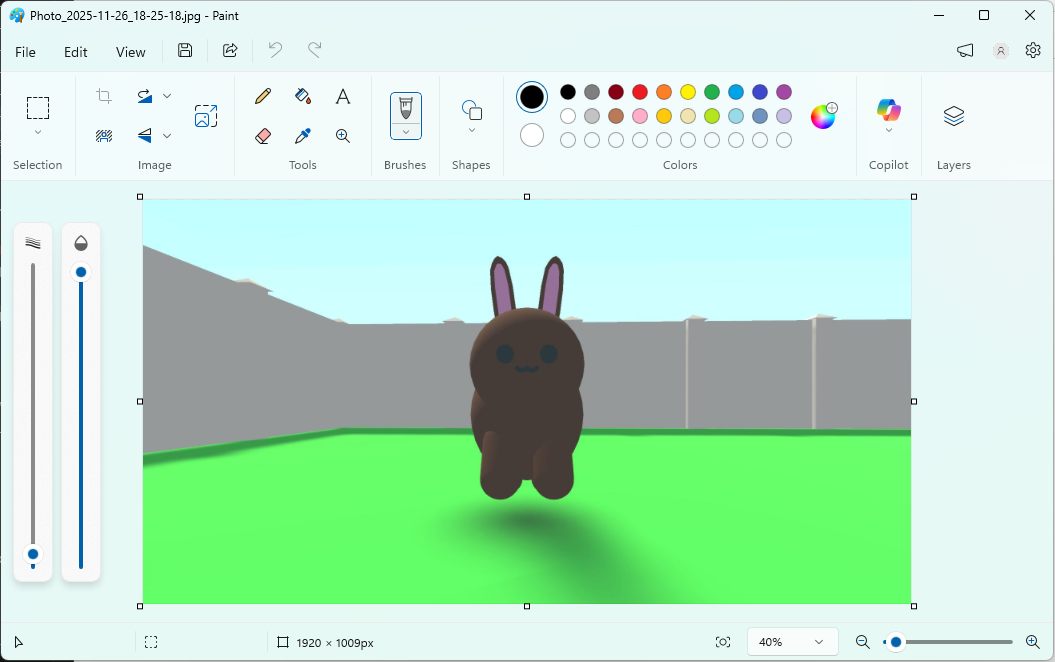
Voila! The MS Paint window has appeard with your rabbit photo. Just use the built in tools to make it pop...
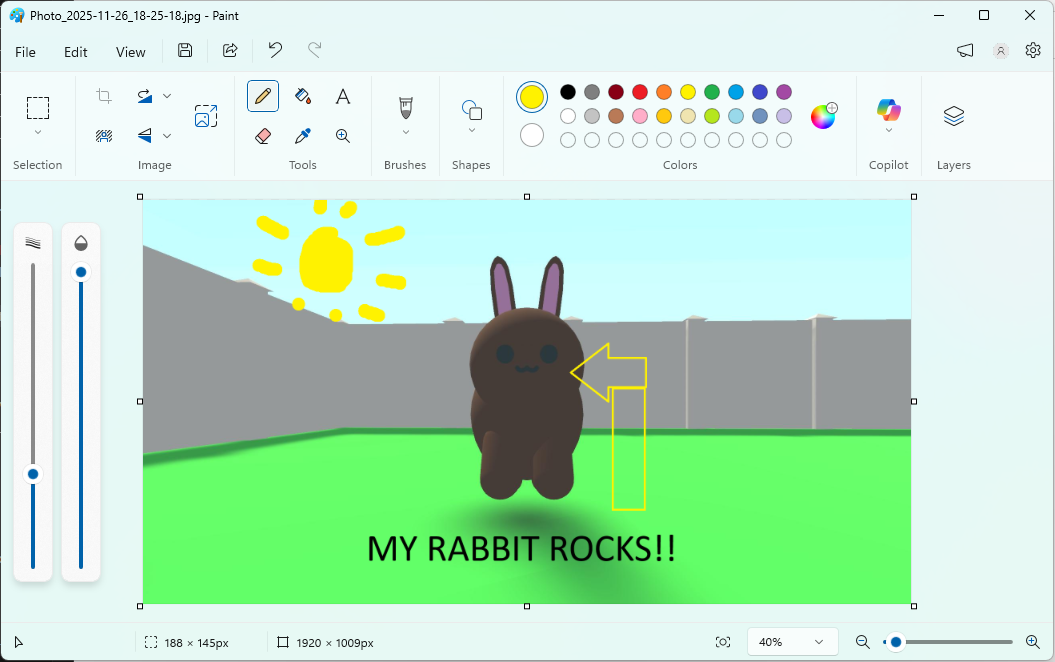
Then you got a good looking rabbit photo right there.
Using other software
You can not only use MS Paint, so let's look at the other alternatives.
1. paint.net
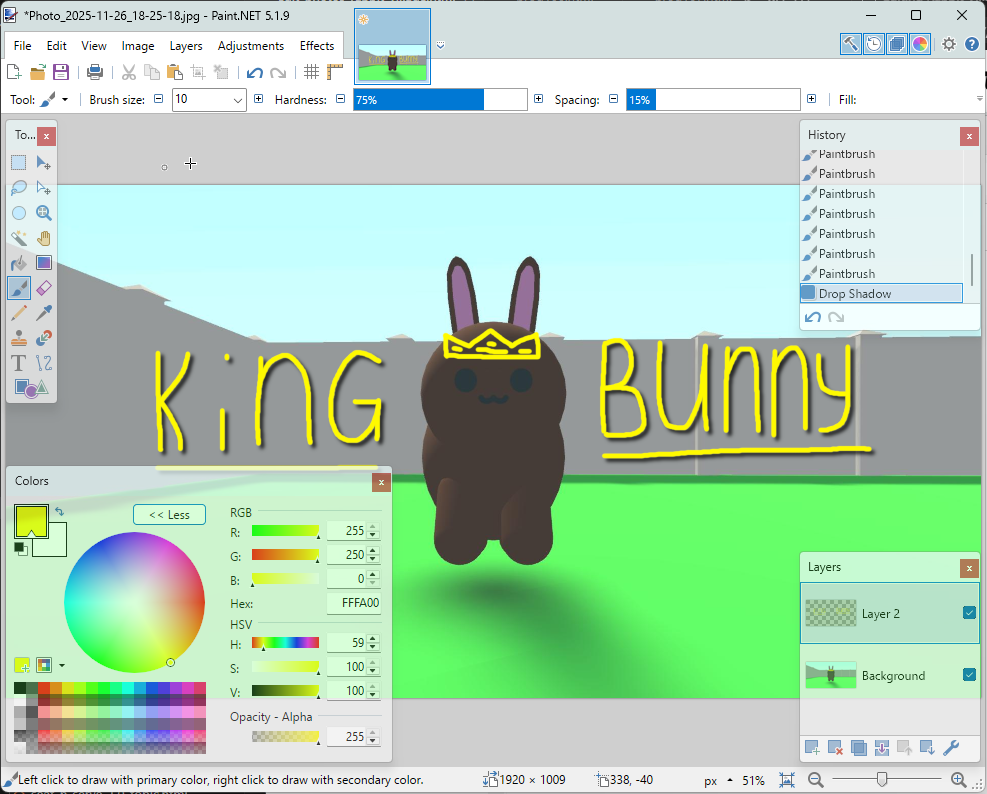
This full featured paint application has all the filters, brushes, etc you need for a very eye catching bunny pic.
2. GIMP

While this is like a Photoshop alternative, it is still great because of its cross platform compatibility and its wide array of tools. Also, it is open source under the GPL.