
Gifty's Merry Mission
Finished 11/25/2025
Released 12/10/2025
Platforms: Windows
Screenshots
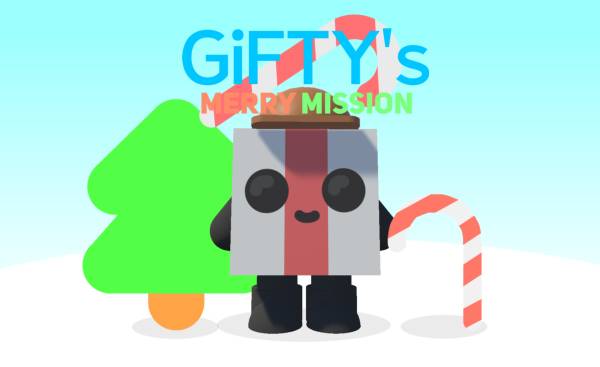
Gifty needs to put up the Christmas decorations and wrap everybody's presents so he can dance to Jingle Bells.
⭐ Safe & Family-Friendly Download
- ✅ 100% Free Game
- ✅ Direct download — no extra software required
- ✅ Safe, cute, and family-friendly
- ✅ Made by Kitty Kitty Studios

System Requirements
OS: Windows 10 or later
Disk Space: 128MB Minimum
RAM: 4GB; 8GB recommended
DirectX: 11
GPU: Integrated graphics minimum
CPU: Intel Pentium minimum
Keyboard/Mouse Controls Notice
This game only supports joystick input, in order to play this game you need to connect a wireless controller (e.g. Xbox One controllers or Dualshock 4/Dualsense controllers). Please note that the control icons visible in the game are toward Xbox. USB-powered and Bluetooth controllers are fully supported for this game. For USB please make sure you are using a USB data transfer cable (most new devices include one nowadays).
Game Tags
Cartoon, Christmas, Cute, Bouncy, Relaxing
How to Install
1. Click "Download now!"
2. When the download has finished, run it
3. Click "More info", then click "Run anyway"
4. Follow the instructions for installation
5. Wait until the installation has completed, then start playing!
Changelog
Version 0.1 (Beta)
First-ever version of the game.
Game News
Version 0.1 Beta releases!
"Gifty's Merry Mission" never before seen!